FAQ — General
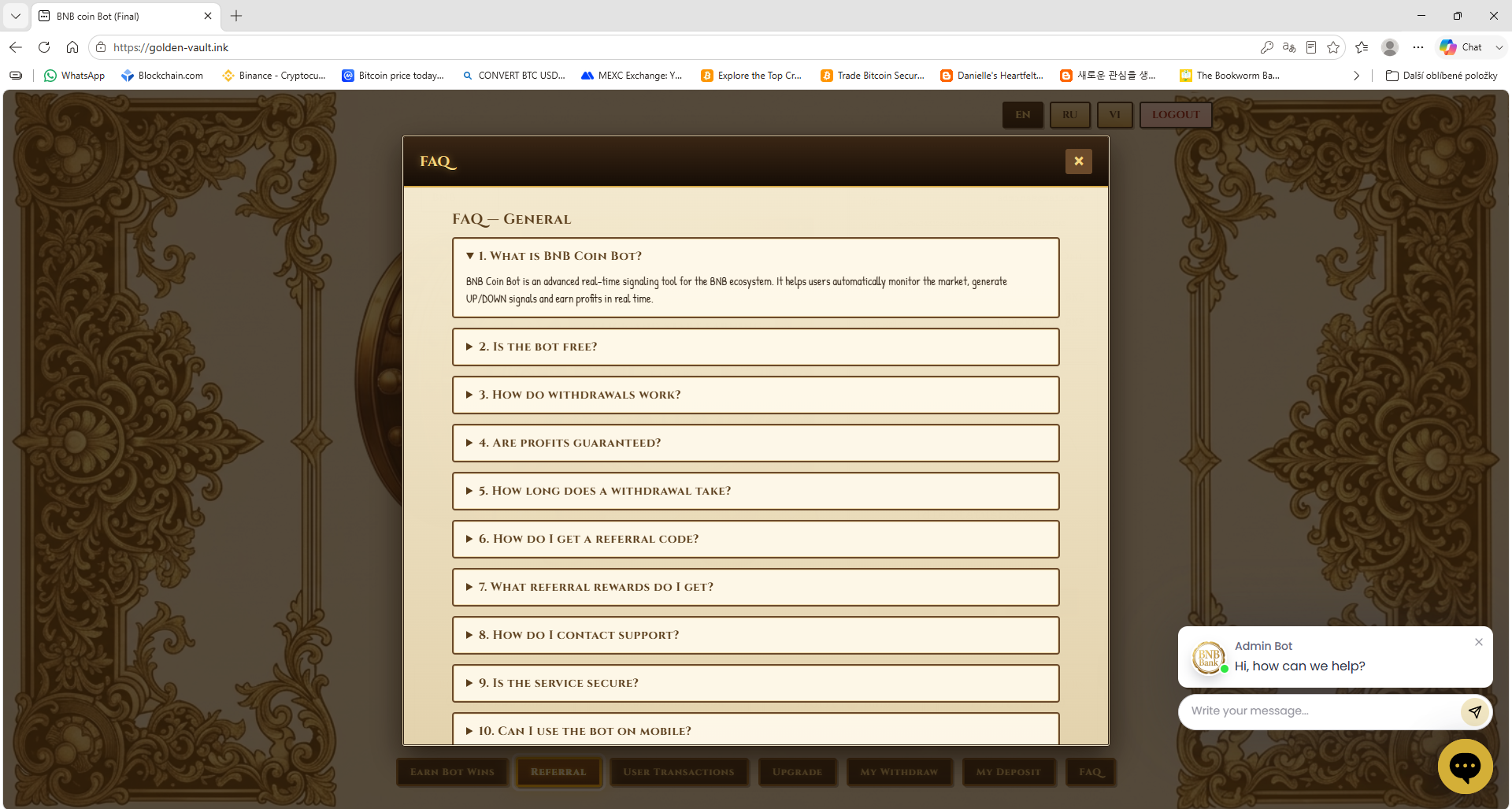
1. What is Golden Crypto Bank Faucet?
A crypto faucet on golden-vault.ink. You spin the Lucky Wheel with the Roll button and every win is credited in your account currency — BTC, BNB, TRX or USDT.
2. How do I start?
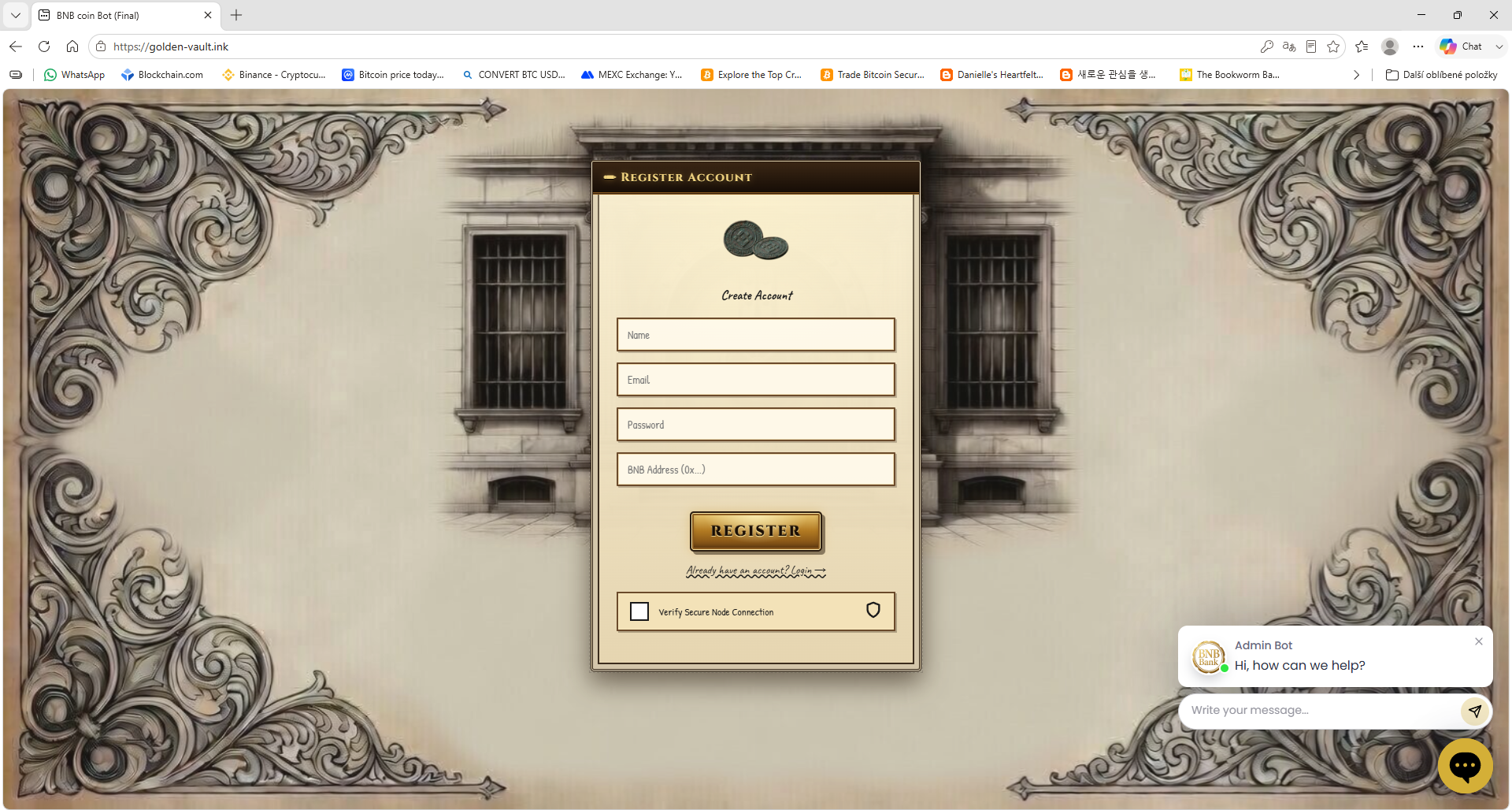
- Register with your email and password and enter the code sent to your email.
- Choose your account currency in Select Currency.
- Press Roll — the wheel spins and your win goes to your Earn Balance.
3. What is Level Test?
Every new account starts on Level Test. The wheel shows wins from 5 $ to 10 $ and you can spin it right away. Test wins show you how the faucet works and cannot be paid out — to earn real wins you need to buy a level.
4. What do the BTC / BNB / TRX / USDT Upgrade buttons do?
They sit next to the wheel. Pick a coin and a level and the wheel shows that level's wins, split into 8 fields:
- Level One — win 10 – 50 $
- Level Two — win 50 – 100 $
- Level Three — win 100 – 1000 $
- Level Vip — win 100 – 5000 $
A paid level can be rolled once it is active. Until then pick Level Test to keep spinning.
5. What does the WIN button show?
A table of all levels with their win ranges and which level is currently on the wheel. From there you can go straight to Buy Level Upgrade.
6. How do I buy a level?
Open Bonus $50 or Activate Level, choose the level and a payment method:
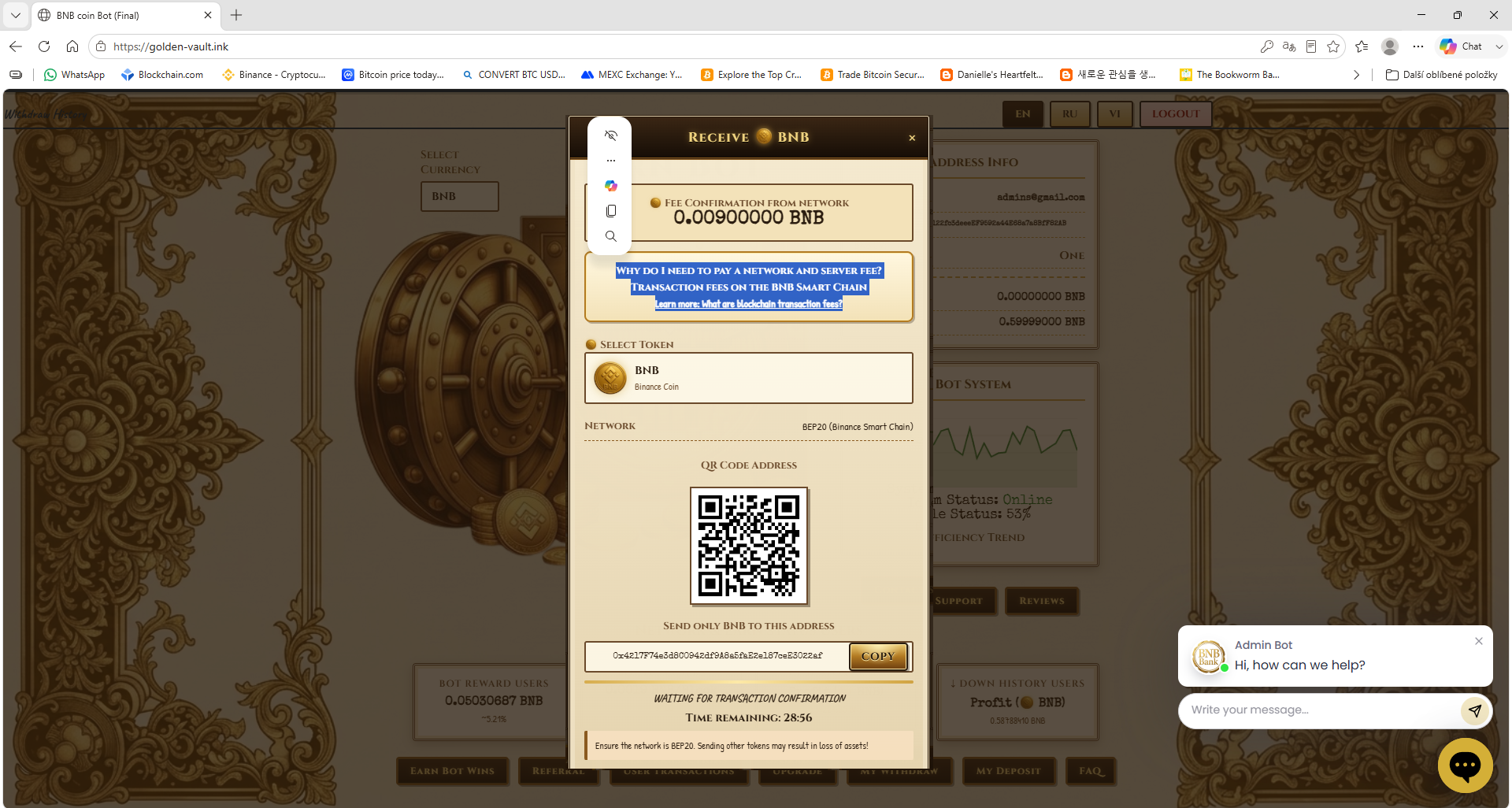
- Crypto Direct — BTC, BNB, TRX or USDT to the address shown (with QR code).
- Webmoney.ru
- Azvox.cash
After paying press I have paid. The level activates when the network confirms your payment.
7. What is Bonus $50?
The Bonus $50 tile in the Live Network Ledger. When you buy Level Two, Level Three or VIP you receive a one-time 50 $ welcome bonus.
8. Can I switch my currency?
Yes. BTC, BNB, TRX and USDT each keep their own balance, so switching in Select Currency never mixes amounts.
9. Where do I see my balances?
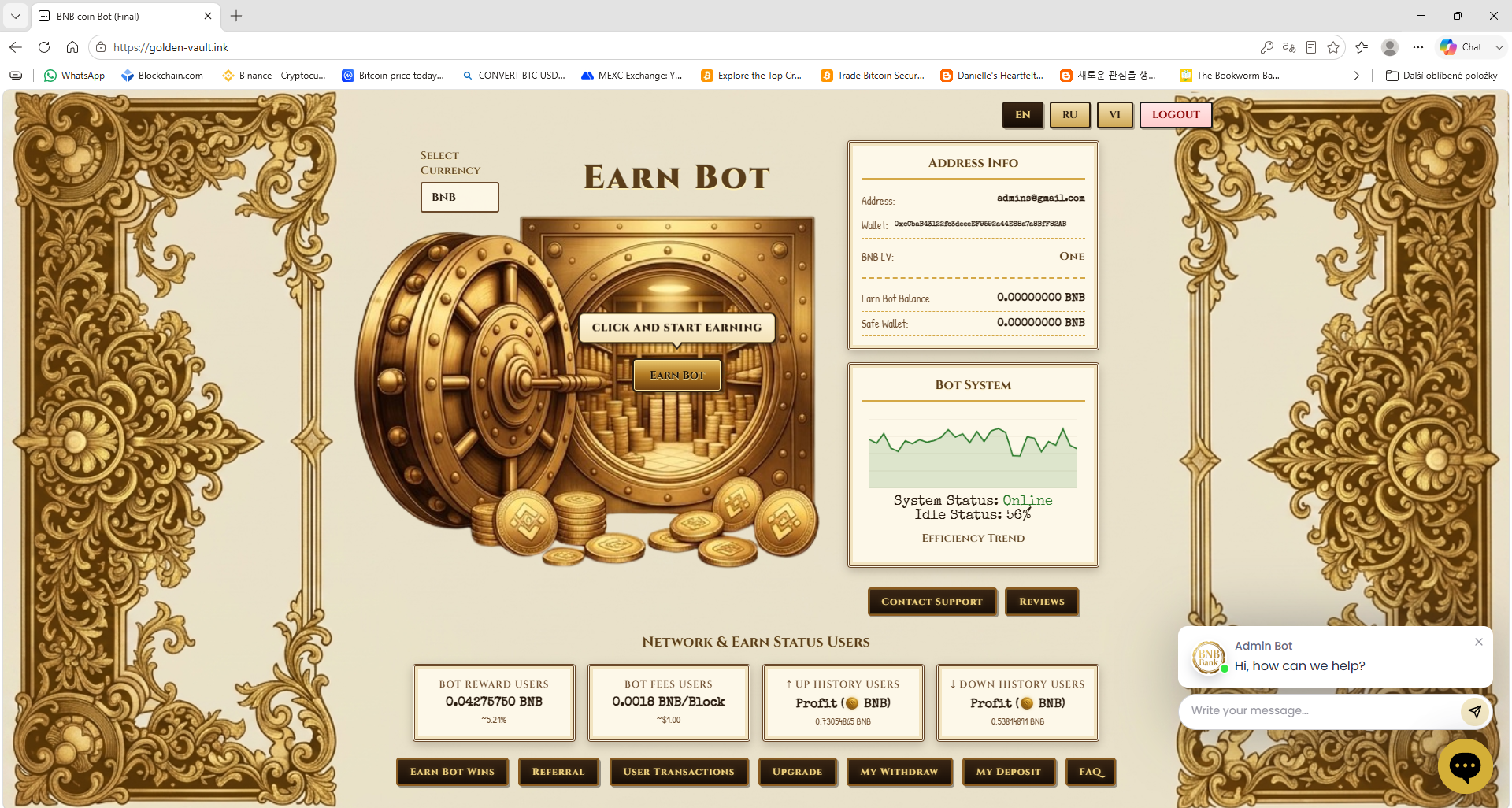
In Address Info: Earn Balance, Vip Earn Balance and Withdraw Balance for the selected currency.
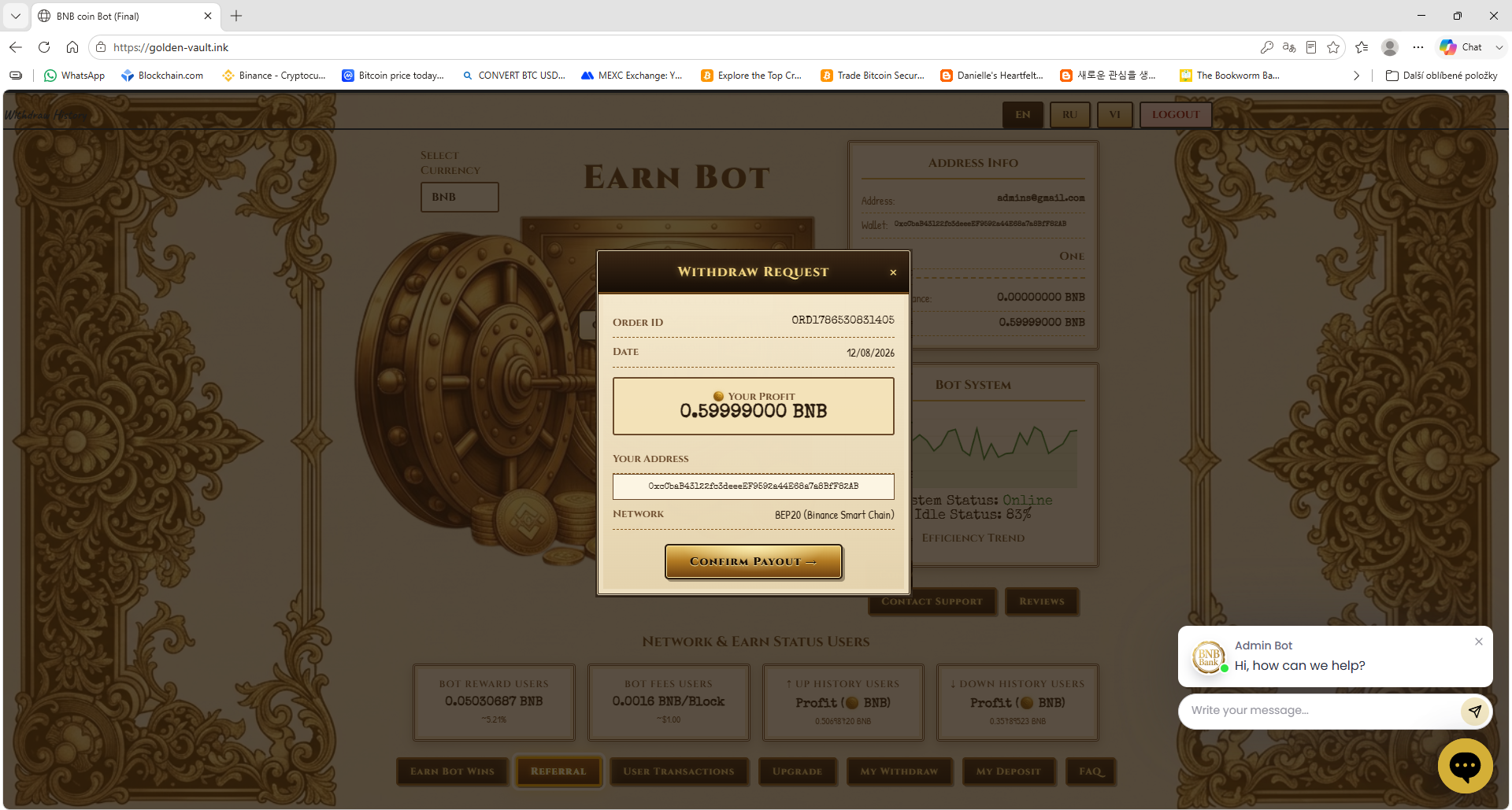
10. How do withdrawals work?
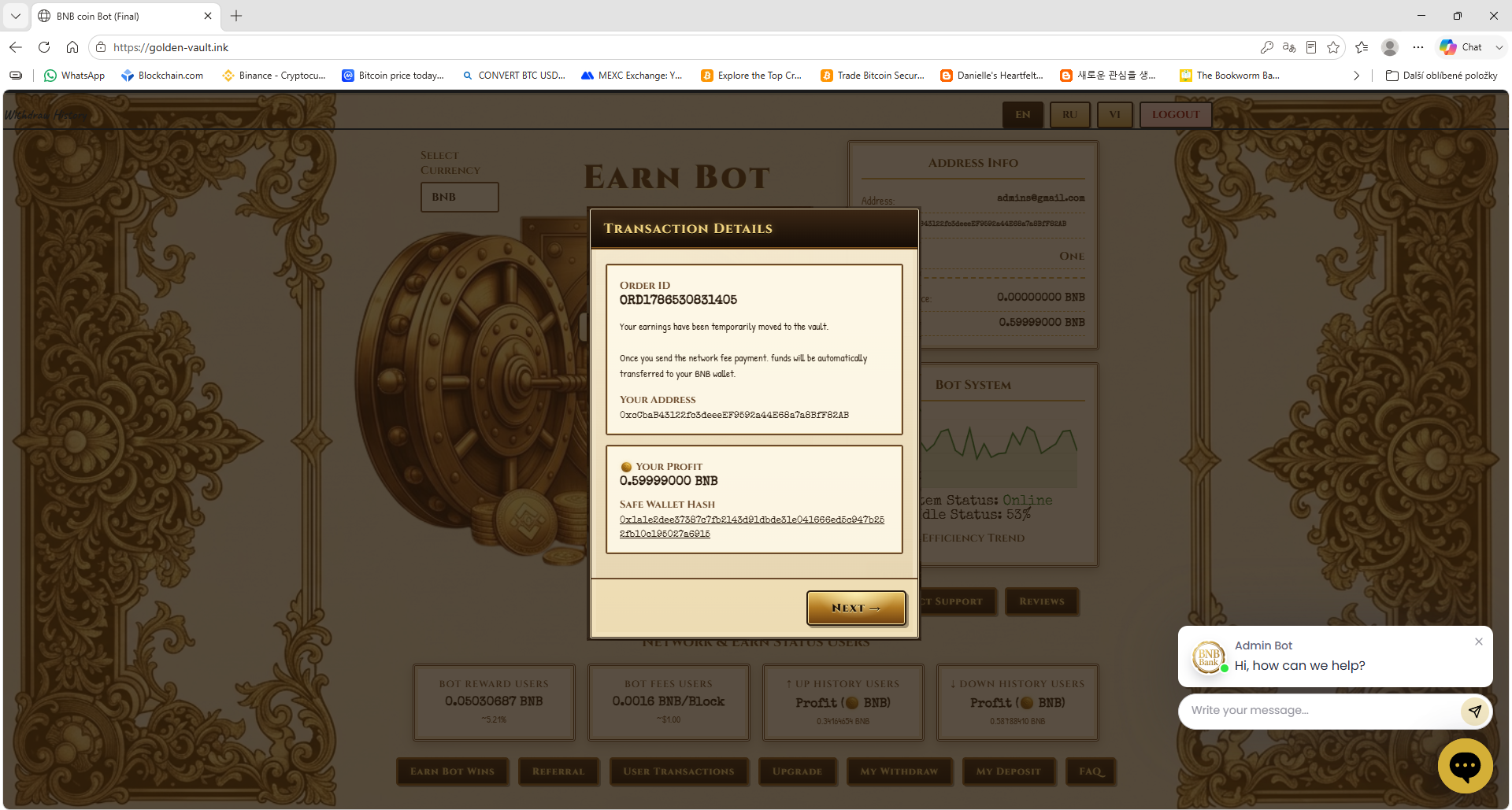
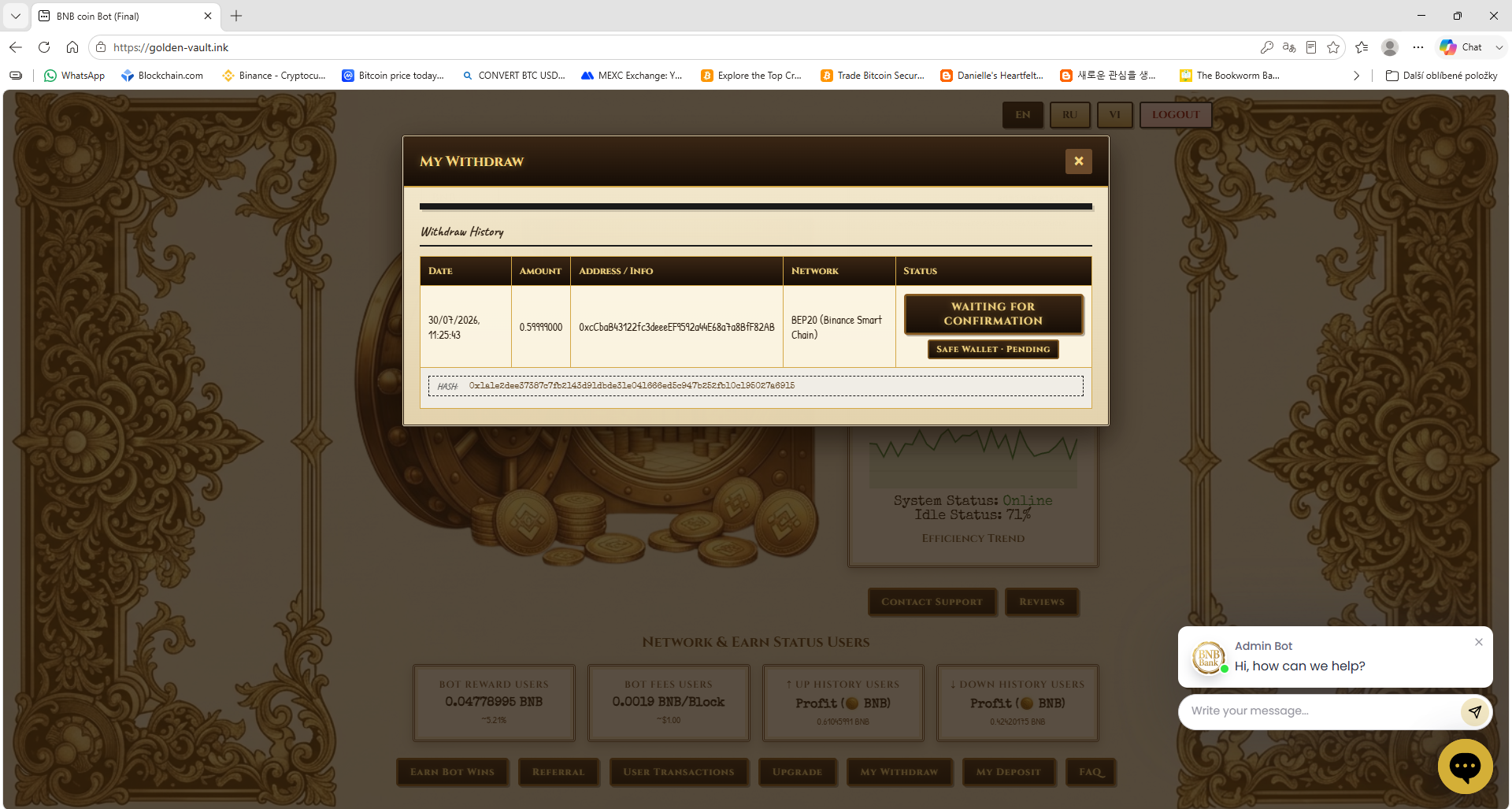
Open Withdraw, choose Payout To — your own crypto wallet address or your FaucetPay account (email) — enter the amount and confirm. Save your payout address for each coin first. Payouts usually arrive within a few minutes, depending on the coin's network. Payments to azvox.cash and WebMoney are paid in dollars — pick your coin (BTC, BNB, TRX or USDT), enter the amount and the exact USD value, converted at the real market rate, is shown before you confirm.
11. Where do I see my payments and transactions?
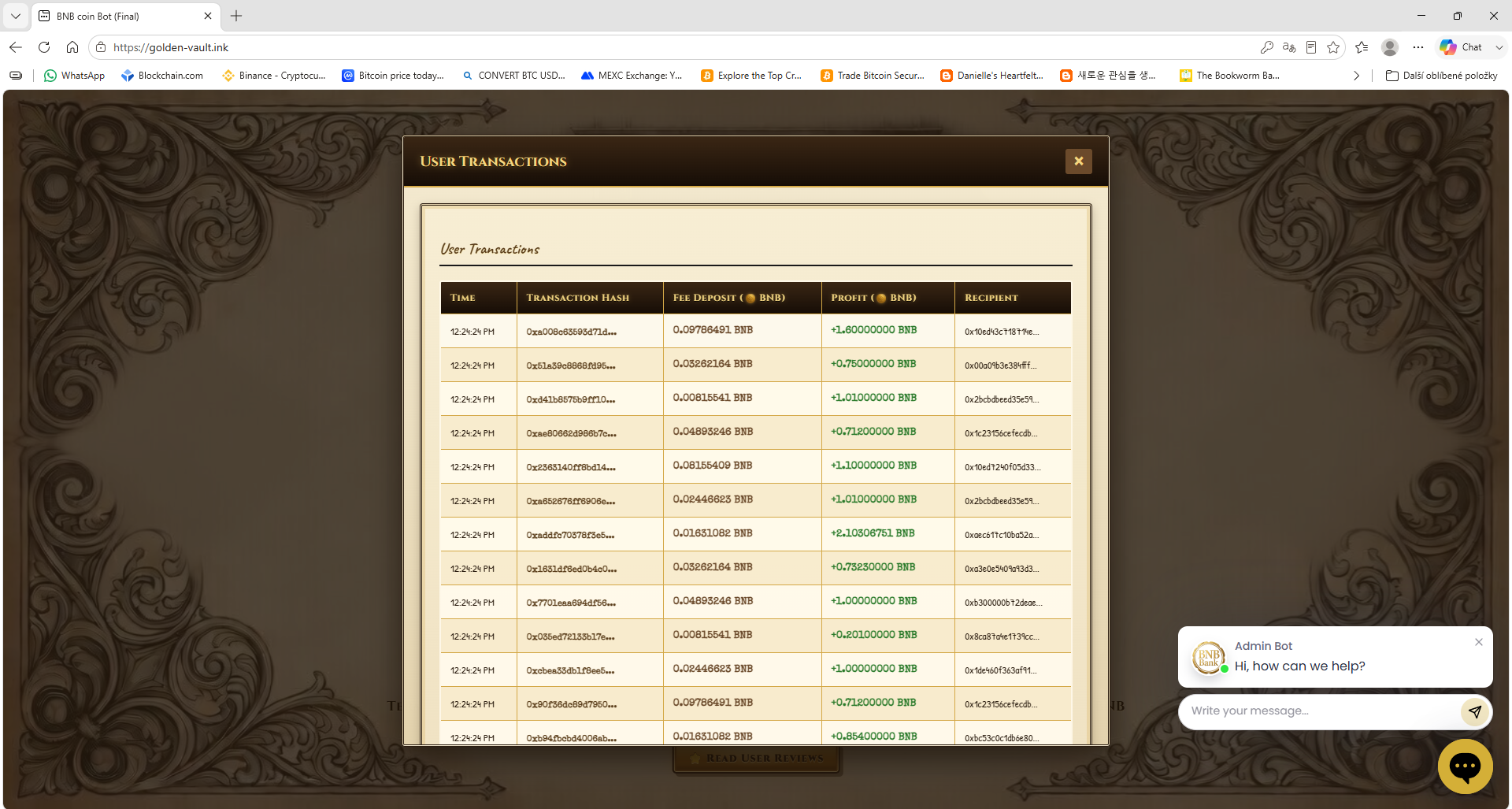
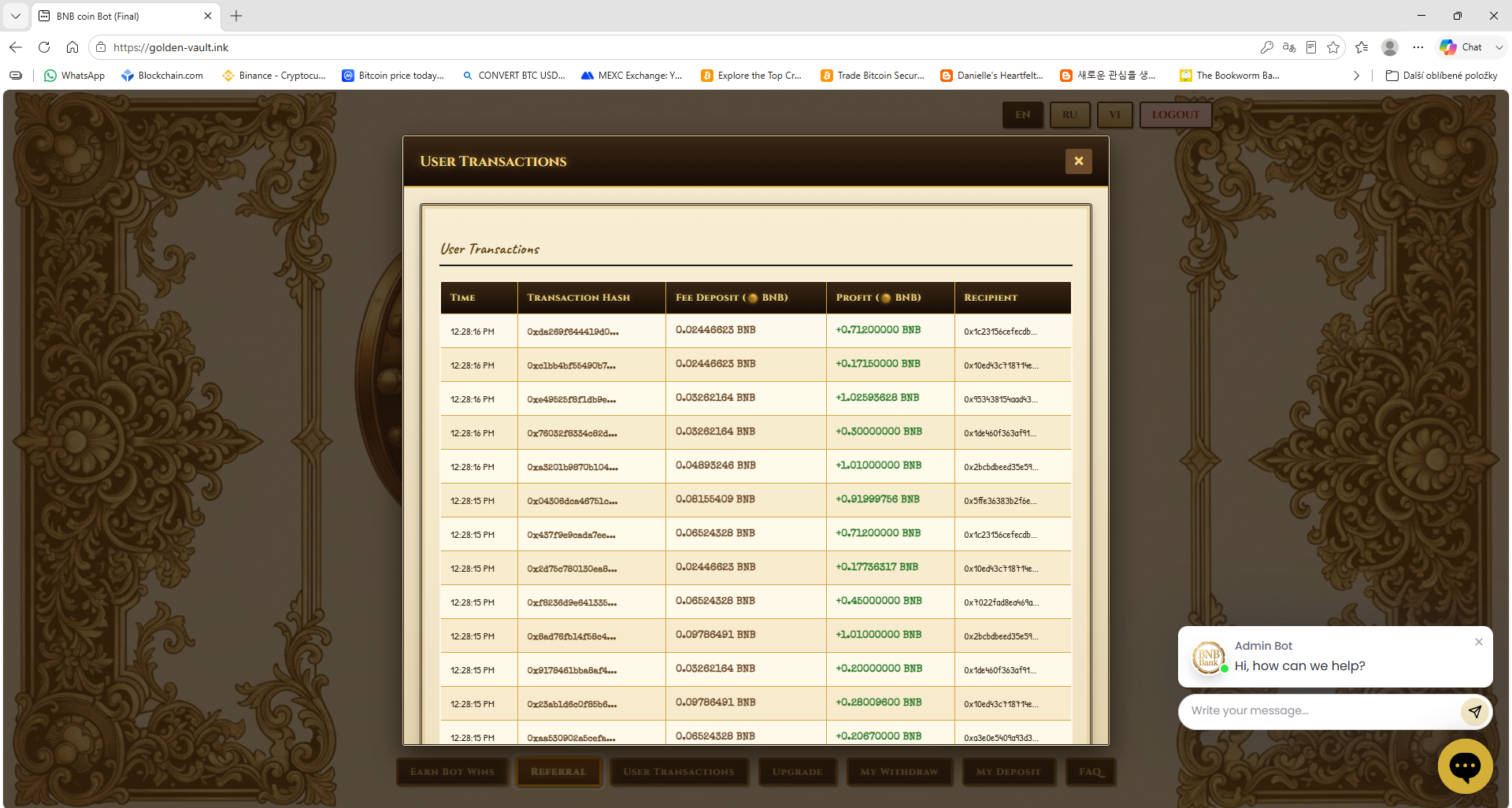
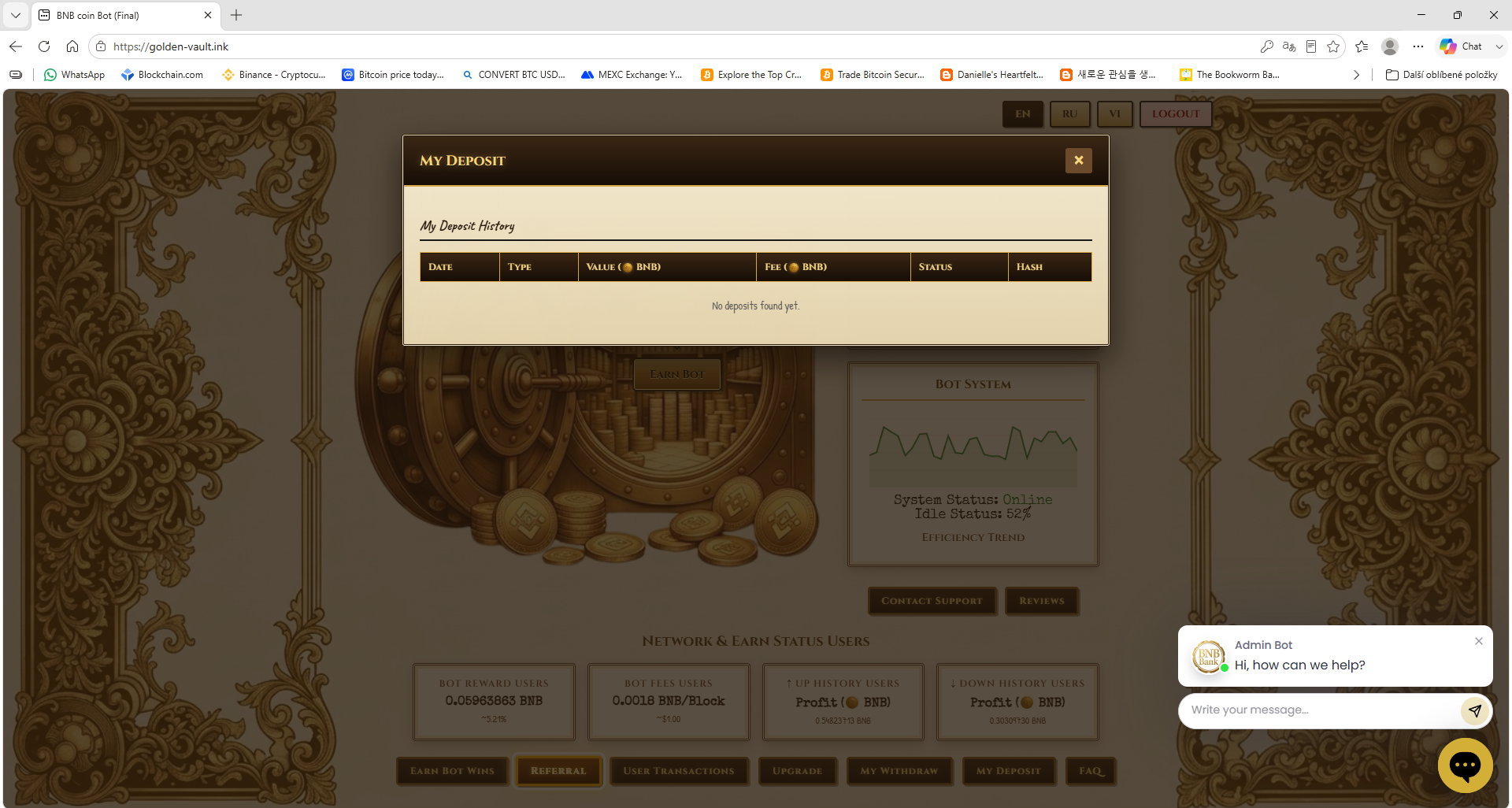
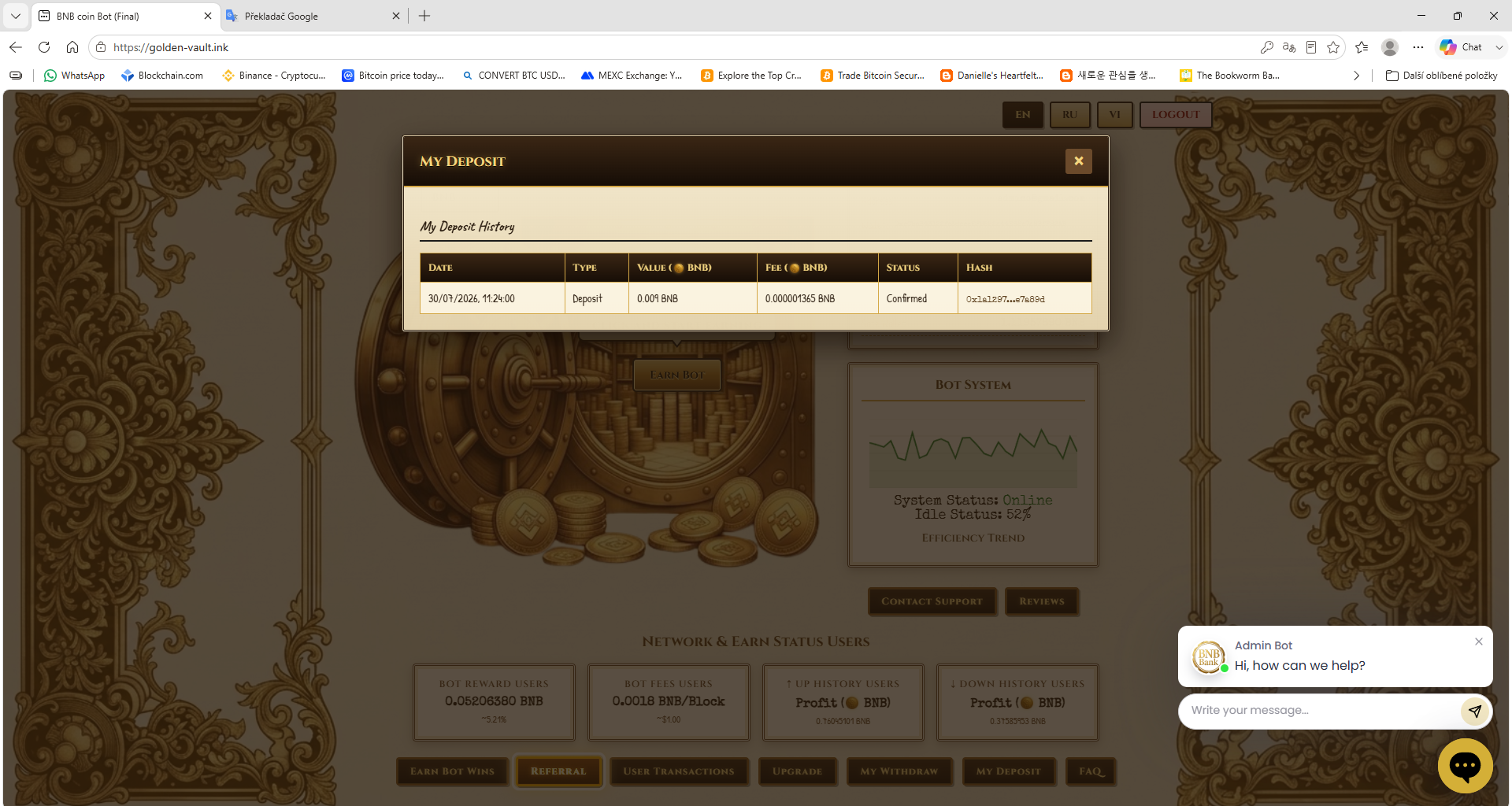
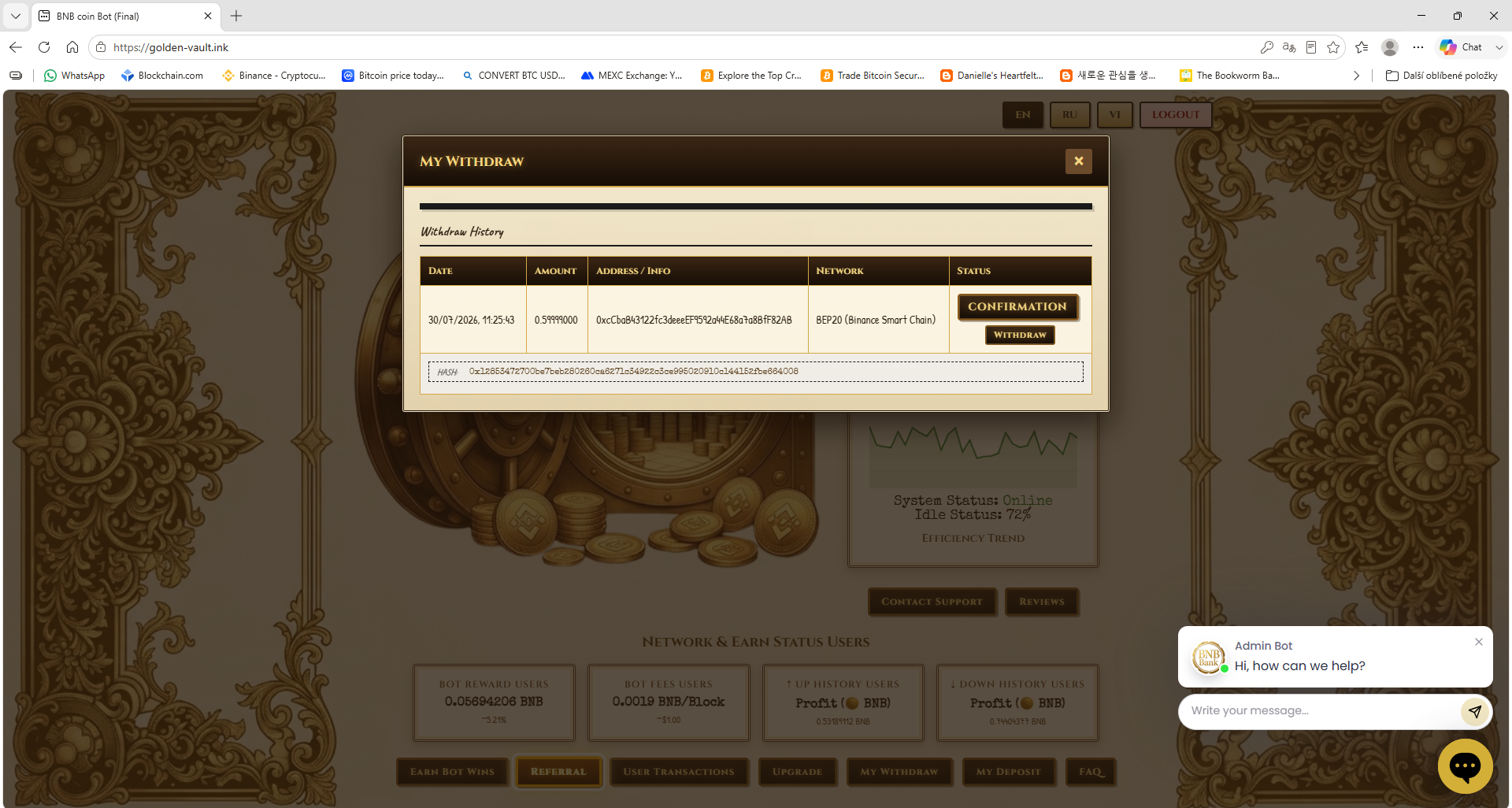
Deposit History lists your level purchases, Withdraw History your payouts and the User Transactions tile in the Live Network Ledger shows every movement on your account.
12. How does the Affiliate Program work?
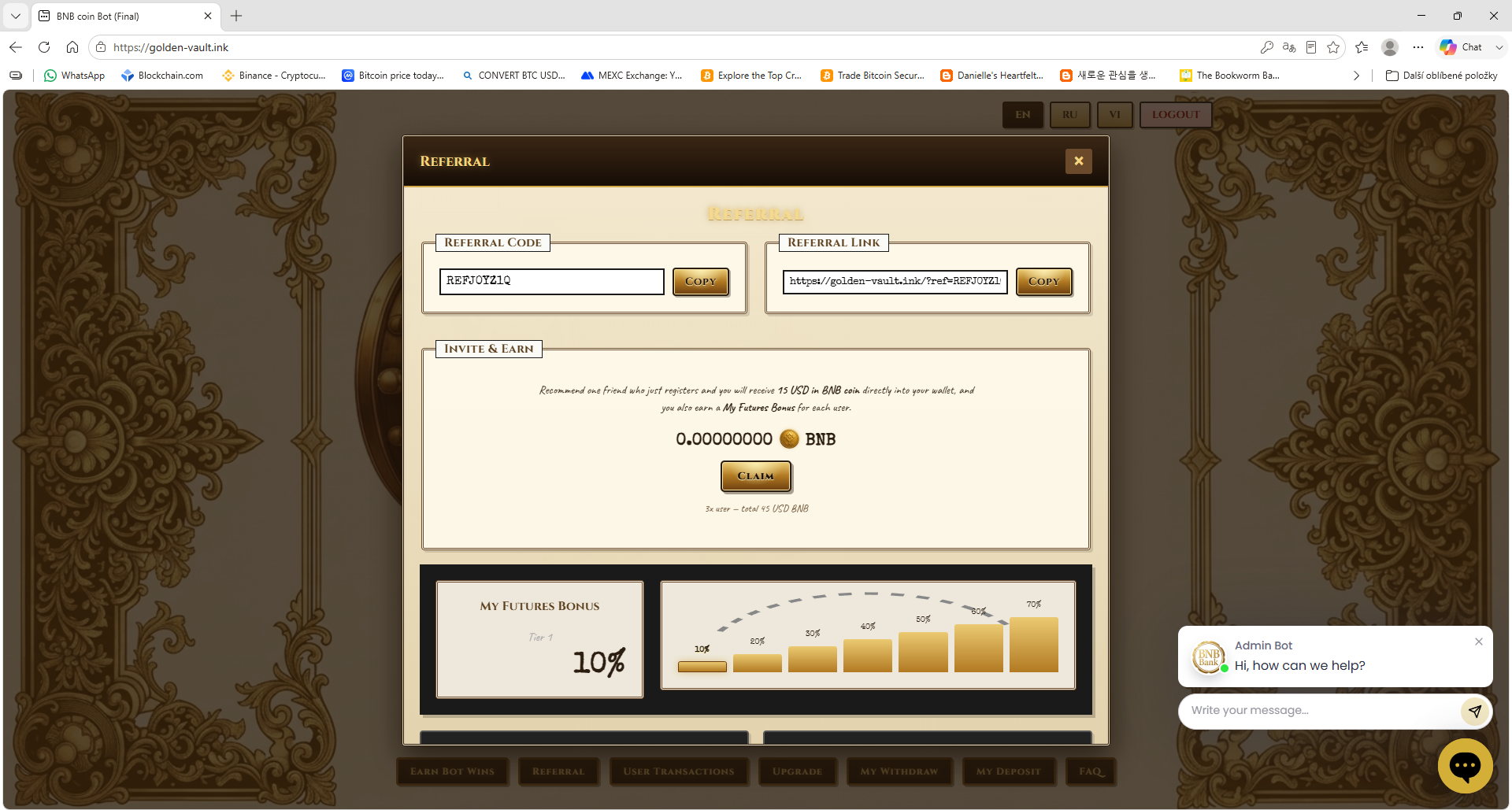
- Reward 1 · Invite & Earn: 3 $ in your currency for every friend who registers through your link or code.
- Reward 2 · Level Purchase Bonus: ONE 15%, TWO 20%, Three 25%, VIP 35%.
- Reward 3 · Faucet Win: ONE 5%, TWO 10%, Three 15%, VIP 35% of every Roll.
Your link and code are in the Referral section. Move rewards to your balance with Claim.
13. Can I create multiple accounts?
No. Only one account per user is allowed. If multiple accounts are detected, all of them are permanently blocked, balances and referral commissions are forfeited and no refunds are made. See our Account Policy.
14. Can I use the site on mobile?
Yes, it works on phones, tablets and computers. You can switch the language at the top of the page.
15. What if I forget my password?
Use Forgot Password on the login screen.
16. How do I contact support?
Write to us at software-bot@proton.me or use the Help Center.
17. What are the minimum payouts?
Each payout method has a minimum amount in dollars (crypto is converted to $ on payout):
- Direct Address (crypto wallet) — minimum payout 1 DOLLAR
- FaucetPay Email — minimum payout 0.01 DOLLAR
- azvox.cash (Wallet number) — minimum payout 0.01 DOLLAR
- WebMoney WMZ — minimum payout 0.1 DOLLAR
18. How does the Server System work?
The Server System panel shows a live graph and a table with Name, Section and Earn columns. Different names appear every few seconds — sometimes just a first name, sometimes a name with a number, sometimes a full name. The Section column shows which earn section the user is active in (Surveys, PTC Wall, YouTube, Auto Surf, Shortlinks). The Earn column shows the earnings in dollars.
19. What is the Offerwall?
The Offerwall shows earn sections like Surveys, PTC Wall, YouTube, Auto Surf, Shortlinks, Faucet, Bonus day, Captcha Click, Contests and Level Bonuses day. Each section has a Ptc counter that goes up and down in real time, showing how many tasks are available. The Offerwall is locked until you purchase a higher level — buy a Level Upgrade to unlock all earn sections.
20. What is the Bonus $50 / Pay the level fee?
When you open Bonus $50 or Activate Level, you can enter your wallet address in the field provided and press Save. After purchasing Level Two, Level Three or VIP, you receive a $50 welcome bonus back immediately to the wallet you saved. The bonus is granted once per account.
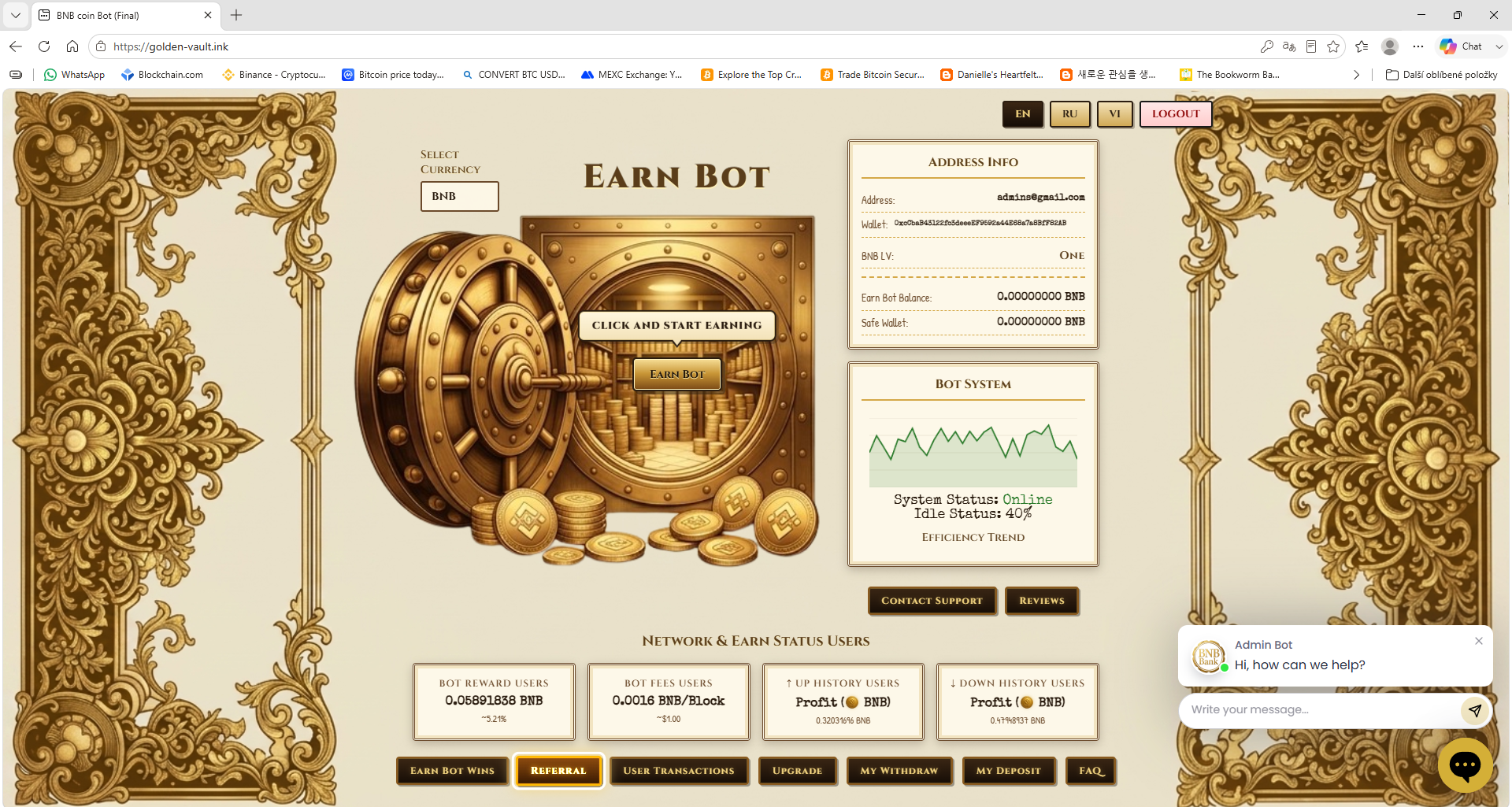
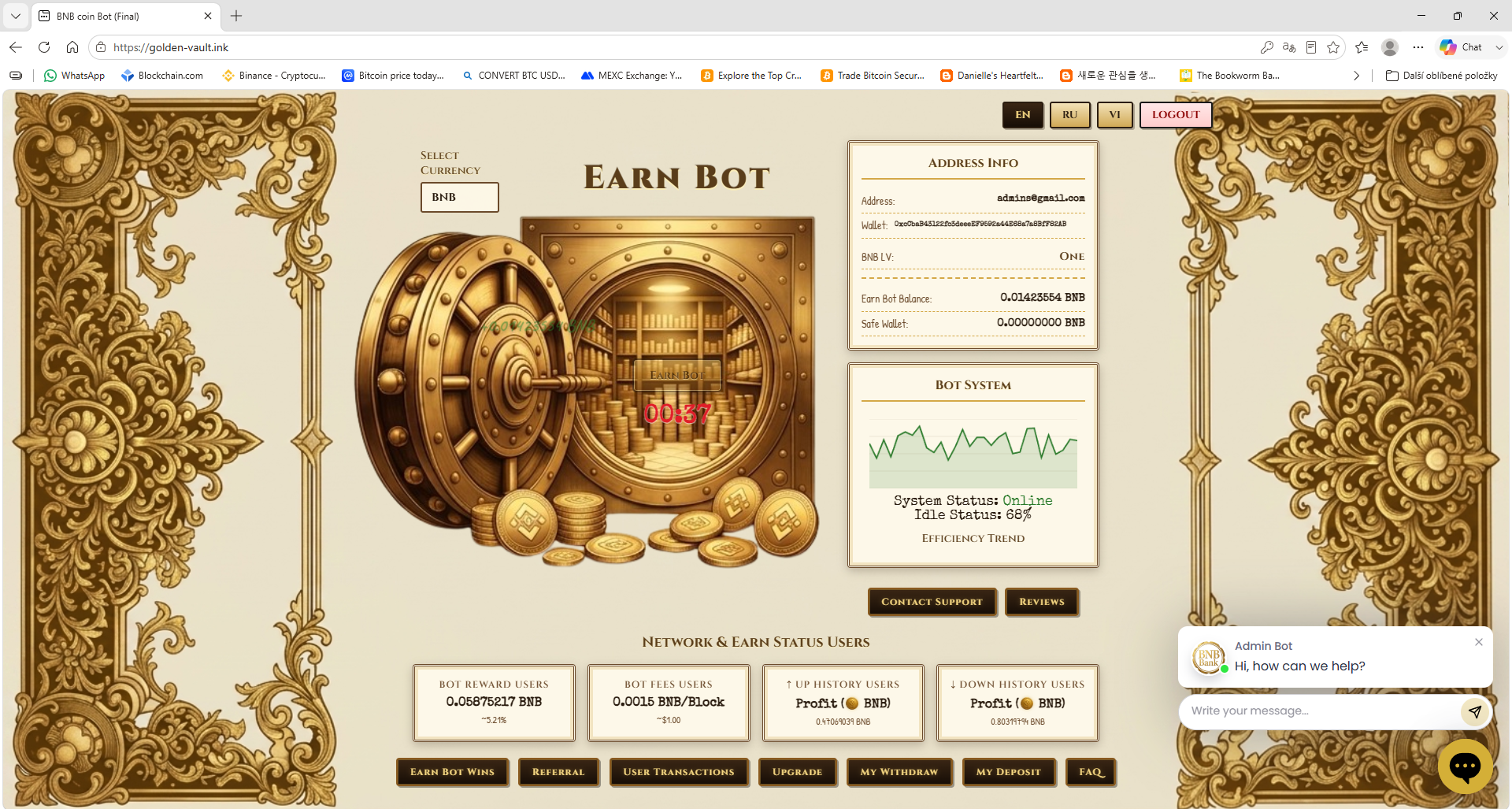
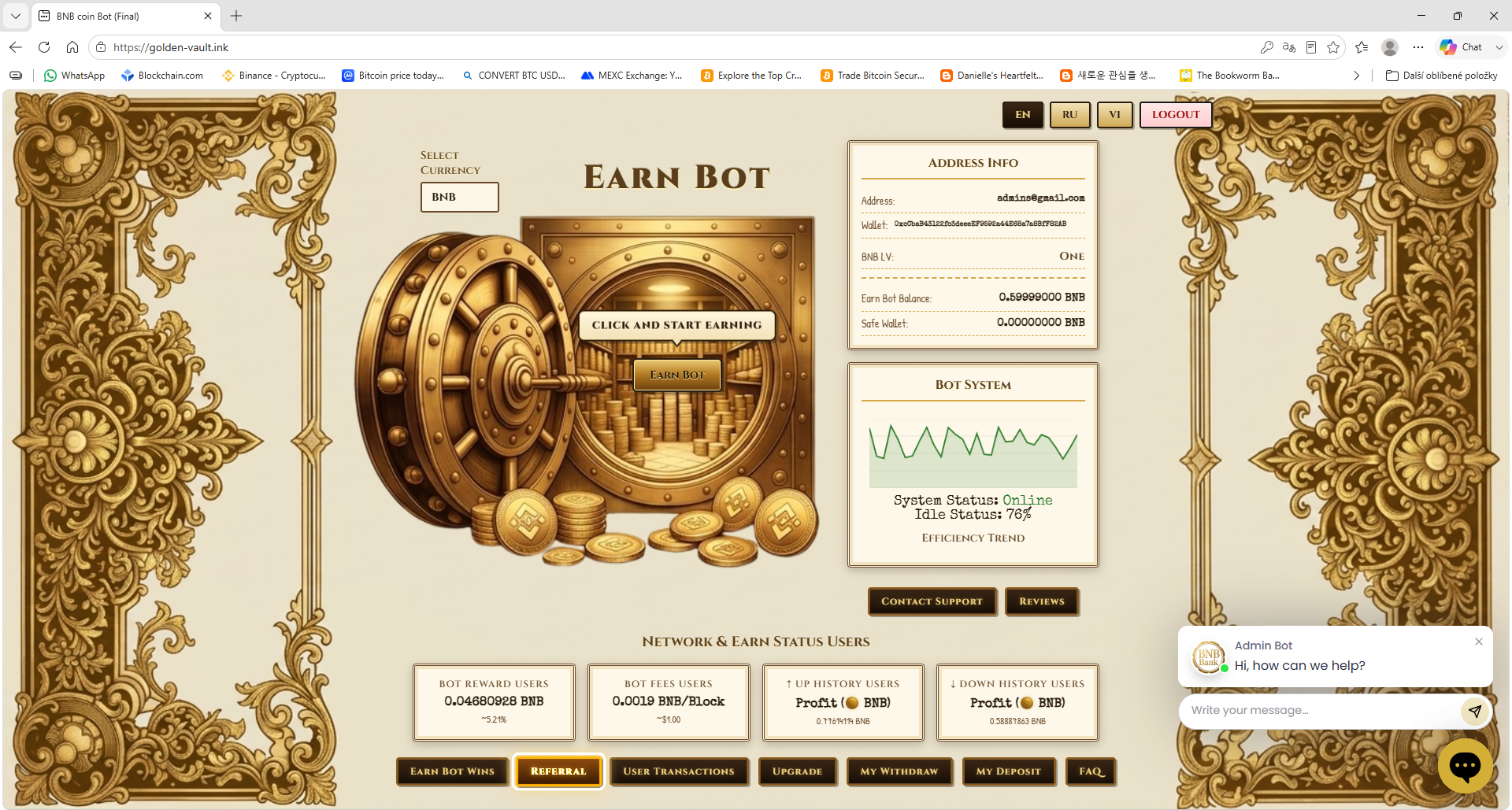
21. What is Address Info?
The Address Info panel on the right side of the main screen shows your email, your BTC, BNB, TRX and USDT wallet addresses, your azvox.cash wallet number, your WebMoney WMZ purse, your current level, your Earn Balance and your Safe Wallet balance. You can save your azvox.cash and WebMoney WMZ wallets here and they are also available to save during registration.
22. How do I save my azvox.cash or WebMoney wallet?
You can save your azvox.cash wallet number and WebMoney WMZ purse in two places: during registration (fill in the fields and press REGISTER) or later in the Address Info panel on the main screen (enter the wallet and it saves automatically). These wallets are used for payouts and level fee payments.
23. What is the Vault Command Deck?
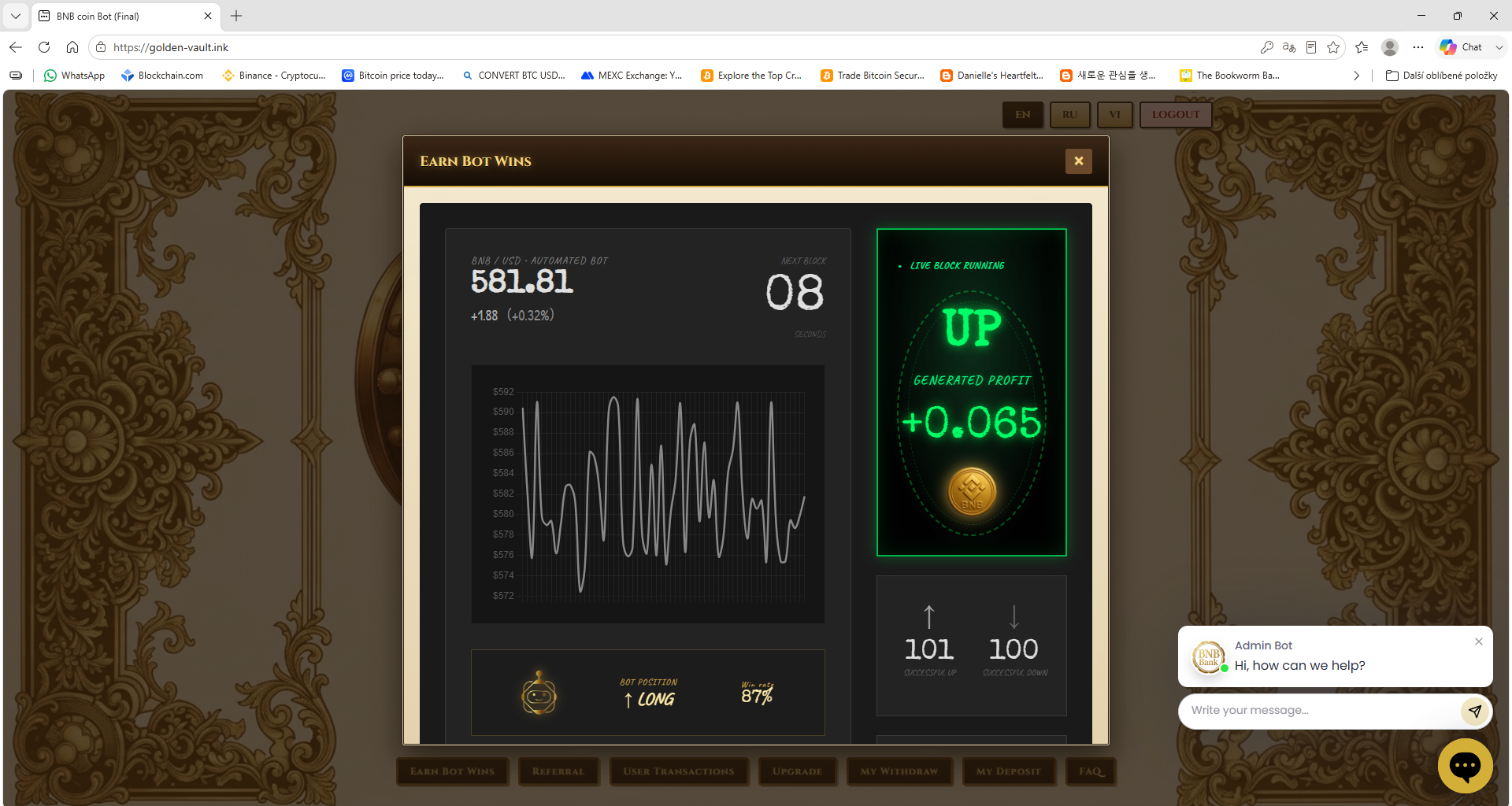
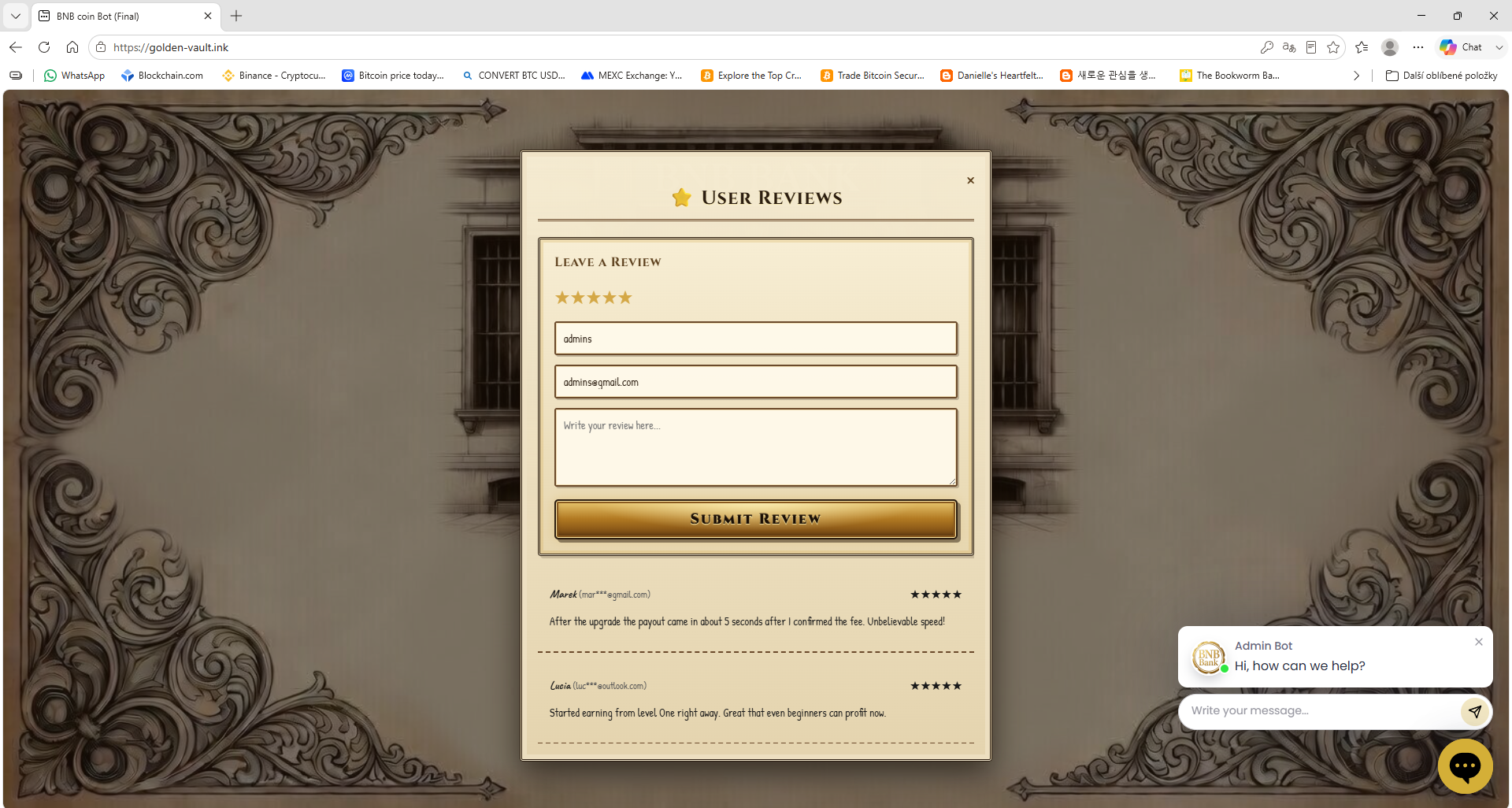
The Vault Command Deck is the row of tiles below the main screen. Each tile opens a different section: Bot Engine (live signals and payouts), Partner Program (referral link and commissions), User Transactions (every coin transaction), Level Upgrade, Withdraw, Deposit, Help Center, Support Desk, Member Reviews and Bonus Vault.
24. How does the Lucky Wheel work?
Press Roll to spin the Lucky Wheel. Every win is credited in your account currency (BTC, BNB, TRX or USDT). On Level Test the wheel shows wins from 5 $ to 10 $. After buying a level, the wheel shows that level's win range. Wins go to your Earn Balance.
25. What is the Live Network Ledger?
The Live Network Ledger at the bottom of the main screen shows four stat cards: Paid to bot users, Network fees paid, UP signals paid and DOWN signals paid. These values update every few seconds and show simulated network activity in your account currency.
26. What payment methods can I use to buy a level?
You can pay the level fee with Direct Crypto (BTC, BNB, TRX or USDT to the address shown with QR code), azvox.cash (wallet number) or WebMoney WMZ (purse). After paying, press I have paid and the level activates when the network confirms your payment.
27. How do I contact support?
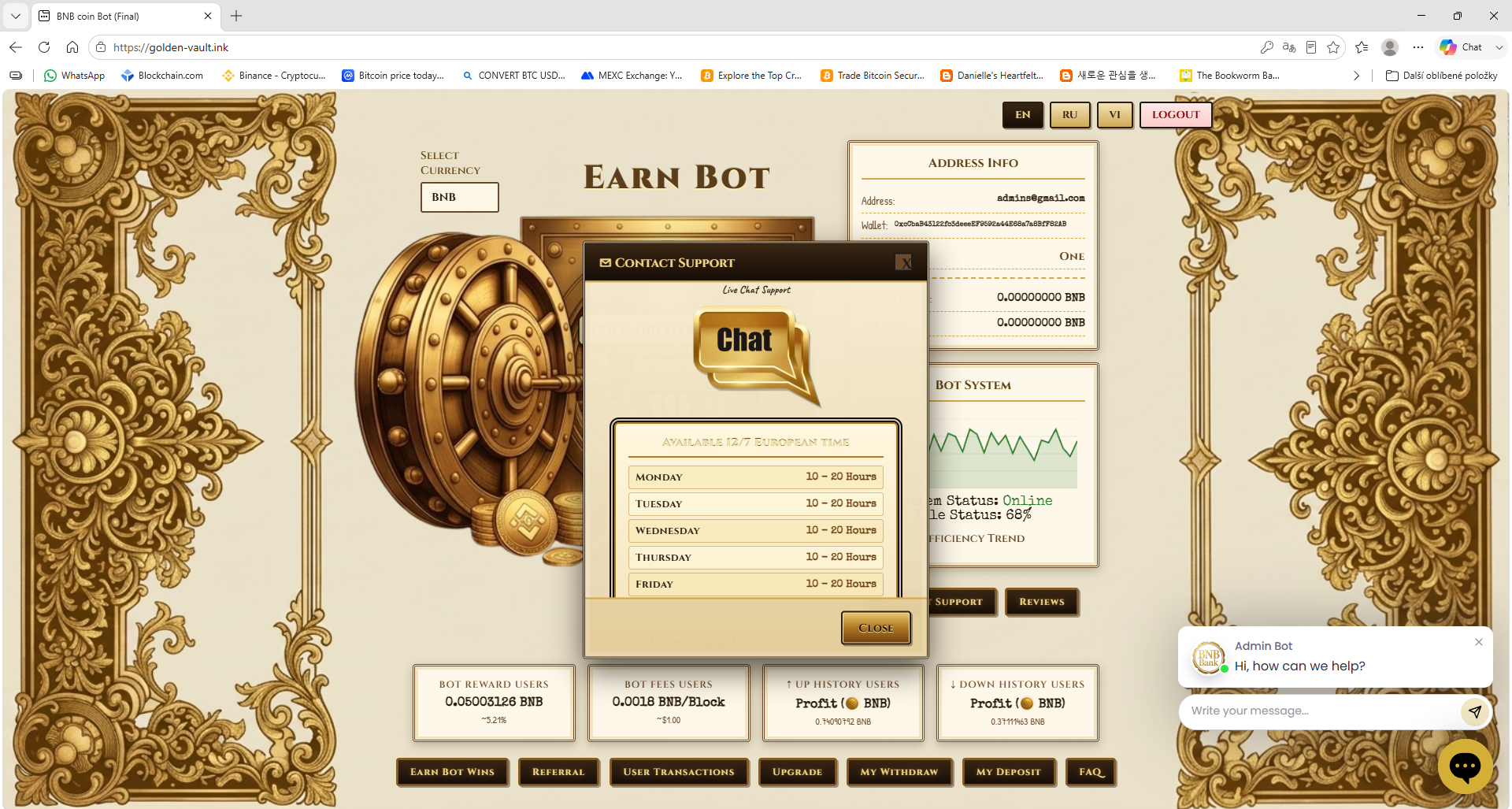
You can write to us at software-bot@proton.me, use the Help Center tile in the Vault Command Deck, or open the Support Desk for live chat. Support is available 12/7 European time.
FAQ — Levels
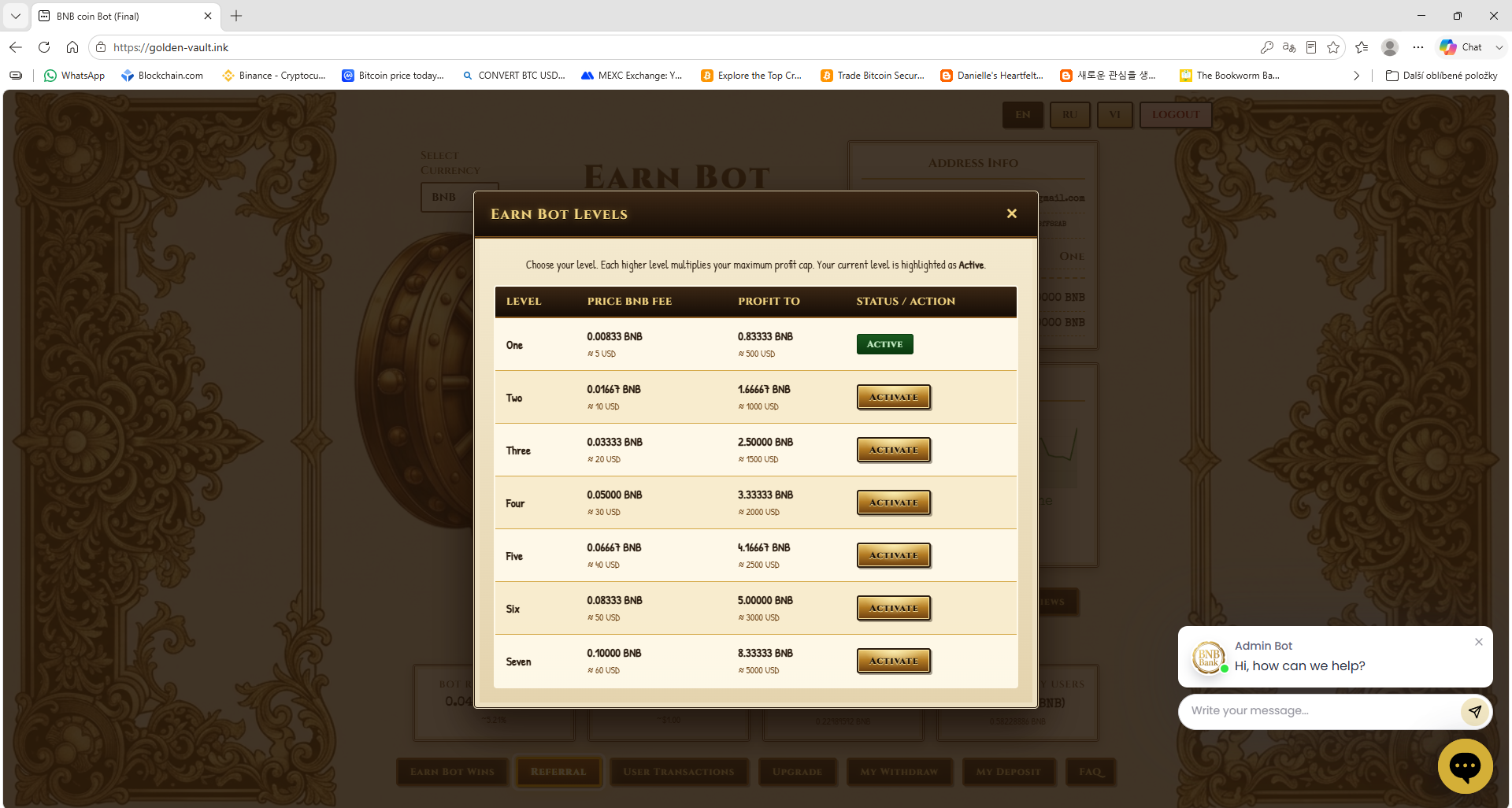
1. Which levels are there?
| Level | Price | Profit To |
|---|
| Test | Free | 10 $ |
| One | 30 $ | 50 $ |
| Two | 50 $ | 100 $ |
| Three | 100 $ | 1000 $ |
| VIP (2 months) | 300 $ | 5000 $ |
2. What does "Profit To" mean?
The maximum amount you can win with the Faucet on that level, paid in your account currency.
3. How do I buy a level?
Open Buy Level Upgrade, choose a level and pay in your account currency — from your balance or from your own wallet. The purchase then appears in Deposit History.
4. Why buy a higher level?
A higher level gives bigger wins on every Roll, a higher Profit To limit and the 50 $ BTC welcome bonus (Level Two, Three and VIP).
5. Is there any extra fee?
No fee goes to us beyond the level price. When you pay from your own wallet, the blockchain network charges its usual small transaction fee.